
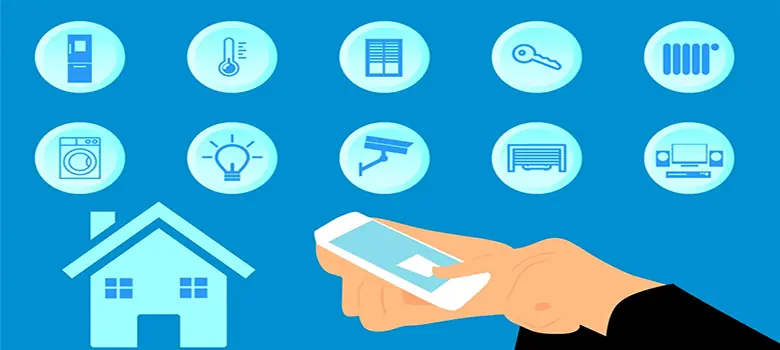
Can I Turn My Home Into a Smart Space?
18 June 2020 by Christian Urbaez
A home automation system is a network of interconnected smart devices that work together to control and automate a residence — delivering more efficient energy management alongside greater security and comfort for the people who live there.
Wired or Wireless: Which Should You Choose?
Home automation systems connect devices in one of two ways: wired or wireless. The right choice depends on what you actually need.
As a general rule, wired systems are the better fit when you need a robust network and the home hasn't been built yet. If the home already exists and you're looking for a simpler installation, a wireless network is the way to go.
That said, there are situations where an existing home still demands a high-reliability network. In those cases, a hybrid design — combining wired and wireless — is a practical solution that meets the user's requirements without starting from scratch.
Do You Need a Robust Network or a Simple One?
If your goal is to automate and control basic functions — switching lights on and off, running the air conditioning, controlling the TV, opening and closing blinds — you don't need a specialist. You can do it yourself.
You'll need a basic understanding of electrical wiring (identifying the live and neutral conductors) and comfort with a few common tools: a drill, a hammer, and screwdrivers for device installation.
Available Technologies
The growth of IoT (Internet of Things) has brought a wide range of smart devices to the market. Before you buy, pay attention to the communication technology each device uses — it determines how everything works together in your home.
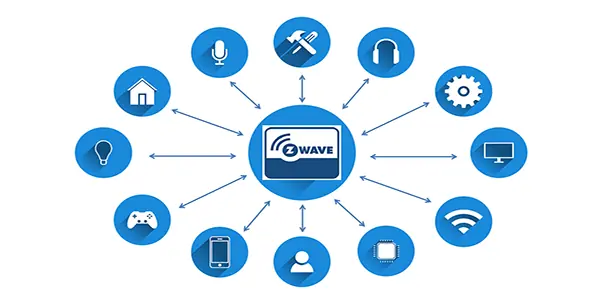 A comparison of the main connectivity technologies for home automation systems.
Zigbee
- Requires a bridge device or hub.
- Mesh network architecture.
- Devices do not connect to the internet individually.
- Low power consumption.
- Limited range: 10–20 meters.
- Very low data transfer speeds: 250 kbit/s.
- Open protocol.
Z-Wave
- Requires a bridge device or hub.
- Mesh network architecture.
- Devices do not connect to the internet individually.
- Low power consumption.
- Maximum range of 100 m.
- Very low data transfer speeds: maximum 100 kbit/s.
- Closed protocol.
WiFi
- Operates on the 2.4 GHz and 5 GHz frequency bands.
- Connects devices to the internet and to each other within a local network.
- Maximum data transfer speed of 9.6 Gbps (WiFi 6).
- Signal can be degraded by certain physical obstacles.
Functions You Can Automate
Now that you know the key considerations before setting up your home automation network, here's a breakdown of available functions by category:
- Physical security: access control, intrusion detection and alerts, and video surveillance.
- Home safety: detection and alerts for gas and water leaks.
- Comfort: control of lighting, blinds, and air conditioning.
- Entertainment: TV control.
Once you've selected the functions you want to automate and control, keep the following recommendations in mind when you implement them.
Implementation Recommendations
Control Access to Your Home
Smart locks let you configure who can enter, throw the deadbolt from anywhere in the house — or from outside — and check whether you've left the door unlocked.
Alert for Unwanted Intruders
Install motion detectors and glass-break sensors near large windows. These can send notifications directly to your phone and trigger a siren if an intrusion is detected.
Monitor the Spaces That Matter
Cameras let you keep an eye on key areas inside and outside the home, with live monitoring available directly from your phone.
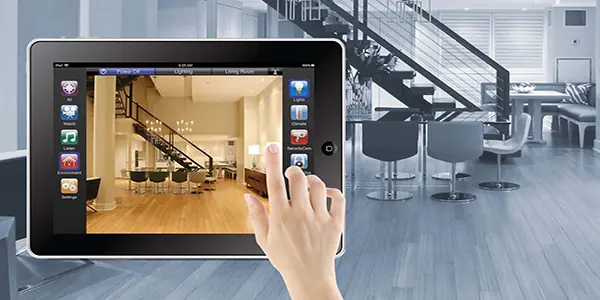 Video surveillance and detection solutions for residential spaces.
Manage Air Conditioning on Your Terms
Smart thermostats give you precise control over temperature in any room that needs it. You can set them to activate on a schedule or respond automatically to occupancy.
Fine-Tune Your Lighting
Dimmable smart switches let you adjust light intensity based on natural daylight levels. Simple or dual smart switches with presence detection can handle turning lights on and off automatically. Dimmable and on/off smart bulbs are also available — a good option for specific spots where flexibility matters.
Control Natural Light
Use outdoor light sensors to automate your curtains or blinds, opening and closing them in response to the amount of daylight outside.
Detect Leaks and Trigger an Alarm
Smart flood detectors in kitchens and bathrooms, and gas detectors in the kitchen, give you early warning of any leak. They can send a notification to your phone, sound an alert, or even send a command to close a smart solenoid valve.
Centralized Control From Your Phone
Another useful option is a Smart IR device — a controller that lets you operate any infrared remote-controlled equipment from your phone. It works for TVs, motorized blinds, and air conditioning units.
All of these solutions can be managed through a single mobile app like Tuya Smart, which not only controls your devices but also lets you configure schedules and automation scenarios — from anywhere, as long as you have an internet connection. Smart speakers like Amazon Alexa or Google Home are another option for voice-based control.
Christian Urbaez Project Engineer linkedin.com/in/christian-urbaez-642279139